From Unity to React Native: building apps as a game developer
05.11.2026 · 3 min read
- #React Native
- #mobile apps
- #game development
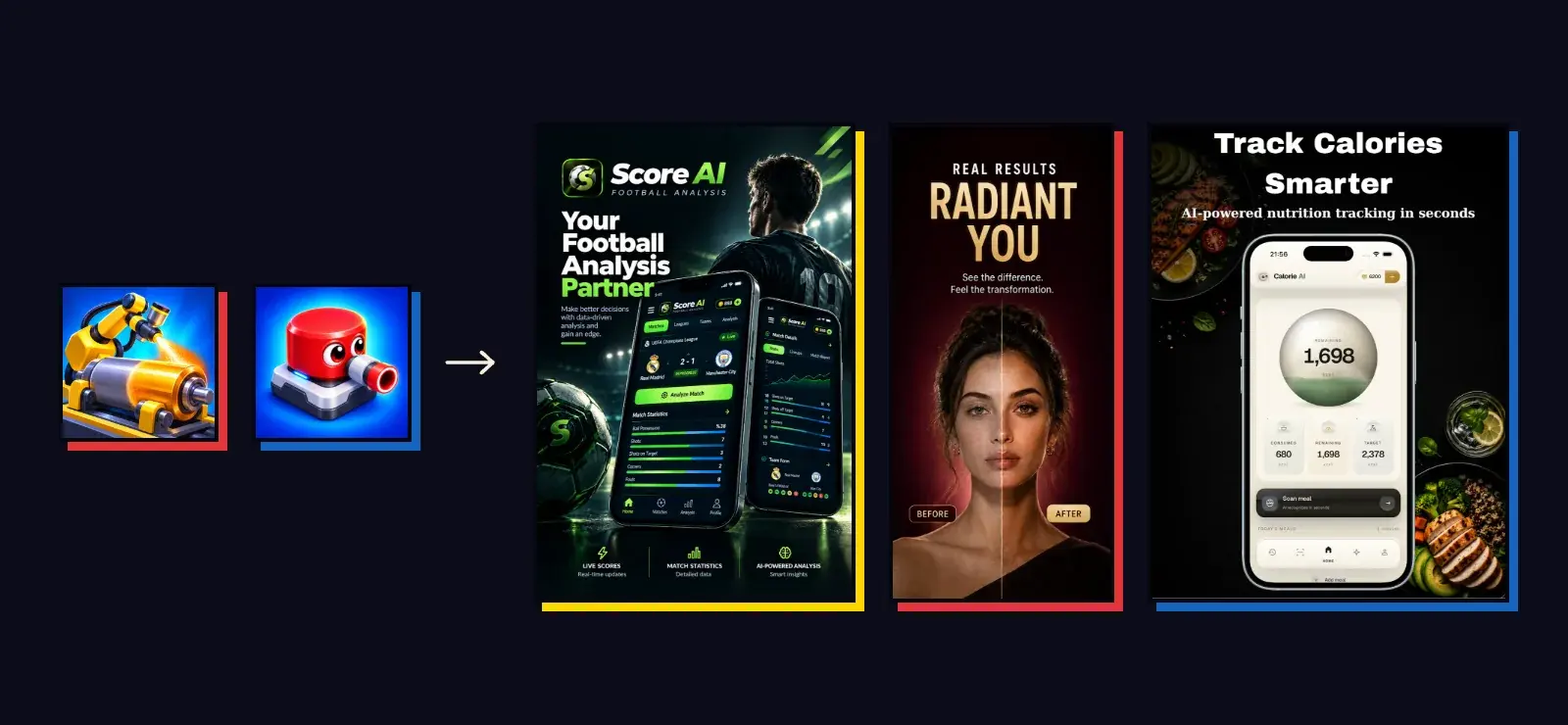
I've been making games with Unity since 2019. In 2026 something new joined that: mobile apps with React Native. Today I build iOS and Android apps in the AI, photo, health, sports, beauty and social categories, along with admin panels and websites.
Three of the live ones: Score AI, with live scores and AI-assisted match analysis, Beauty Studio, which analyzes beauty from a photo, and Calorie Tracker AI, which reads calories from a photo of a meal.

Why React Native
Apps can be made with Unity too. But an app needs different things: text, lists, forms, scrolling, the keyboard, each platform's own behavior. In React Native these come naturally. With Expo, building, submitting to the stores and shipping small updates to users without waiting for store review (OTA) also become much easier.
The tools I use: TypeScript, Expo, Reanimated for animation, Skia for drawing and NativeWind for styling. On the server side, Supabase (sign-in, database and server functions), RevenueCat for subscriptions, AdMob for ads, and OpenAI, Claude and fal.ai for AI.
What I brought over from games
In the first apps I saw how much my game experience helped.
Thinking in economies. In an app that uses AI, every action has a cost. Subscriptions, credit packs, daily limits, rights earned by watching ads... Balancing these is a lot like building the money and gem economy of a game.
Trusting the server. In games, the server verifies rewards so nobody prints money by cheating. In apps too, deducting credits, granting rewards and paid actions happen on the server. If the same request arrives twice, the user isn't charged twice.
Changing settings without an update. In live games I managed ad, store and economy settings from the server. In apps, prices, limits and durations can also be changed from the admin panel without touching the code.
The store process. App Store and Google Play review is the same for a game or an app. Experience from games helped directly here; I wrote about the rejections I've dealt with in a separate post.
What I had to learn again
The screen is the product. In a game, the interface is a frame around the game. In an app, the interface is the product itself: where a button sits, how a form shows an error, how smoothly a list scrolls is the user's whole experience.
Permissions and privacy. Camera, gallery, notifications, tracking... Each behaves differently on the two platforms and gets a close look in store review.
Waiting time instead of frame rate. In a game, performance means frames per second. In an app, it's what the user sees while waiting for an AI result. A good loading screen matters as much as a fast server.
The two worlds feed each other
Today, when I start a game I use what I learned from apps, and when I start an app I use what I learned from games. Ideas about player engagement move from games into apps; tidy interface habits from apps move into game menus. Whether someone is playing a game or using an app, I ask the same question: what would make them open it again tomorrow?